MacBook Neo vs MacBook Air M5: Is the Extra AED 2,000 Worth It?
When is the cheaper Mac enough, and when does Air justify the premium? Official photos, detailed comparison tables and practical buying scenarios for study and work.
By the Finance Arabia editorial team8 min read
The cheapest Mac is only good value if it handles the work you actually do. This comparison puts the MacBook Neo with A18 Pro beside the 13-inch MacBook Air with M5 for students, freelancers and small-business owners. We look beyond the processor to memory, storage, displays and the cost of choosing the more expensive model.
Quick verdict: Start with Neo for documents, browsing and lightweight web services on a tight budget. Consider Air M5 when you need more room for multitasking, a second external display or frequent large-file transfers. Pay for a specific benefit you can identify in your working day.
Sources reviewed: 18 October 2026. This is a specification-based editorial comparison, not a hands-on performance test. Prices below are Apple's official UAE launch prices announced in March 2026, not live retailer quotations. Check the configuration, final basket price and warranty before buying.
Meet the two laptops
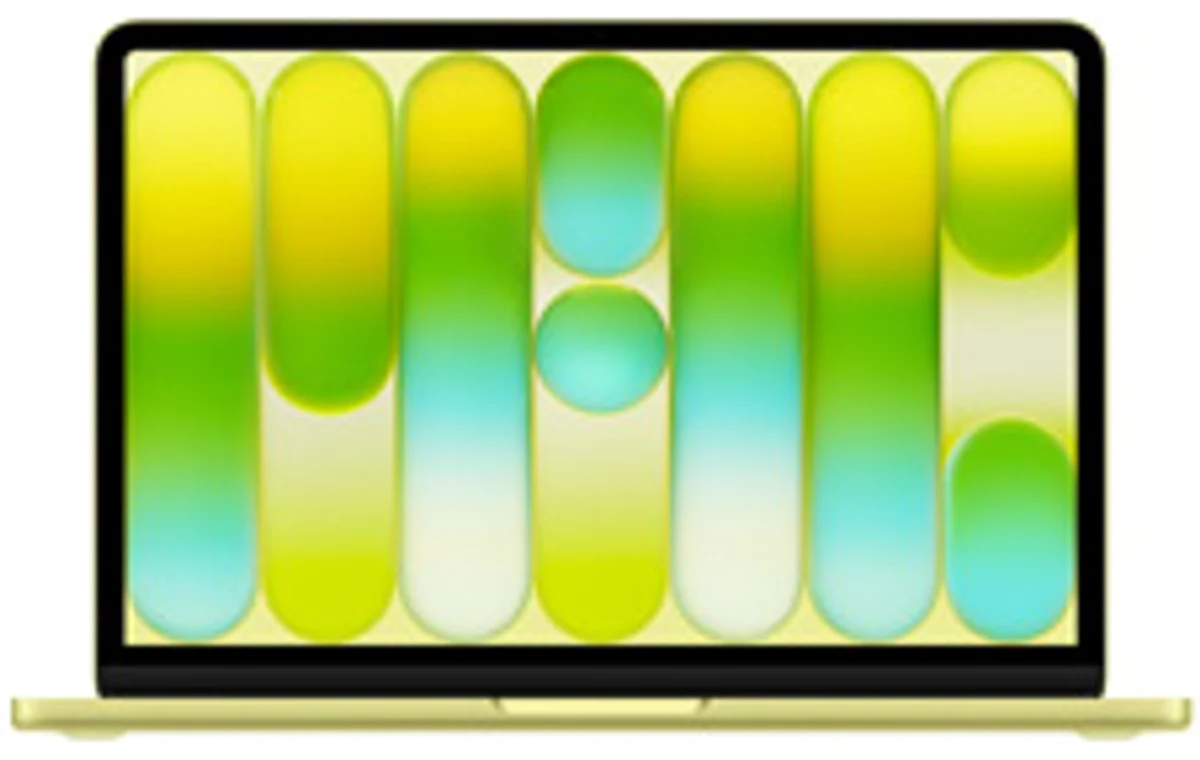

Specifications: base model against base model
The two starting prices buy different amounts of memory and storage. The price gap therefore covers more than a processor upgrade. This table summarizes the official Neo specifications and Air specifications. Published specifications are not results from a shared benchmark.
| Feature | MacBook Neo | 13-inch MacBook Air M5 |
|---|---|---|
| CPU / GPU | A18 Pro: 6-core CPU, 5-core GPU | M5: 10-core CPU, 8-core GPU in the base model |
| Unified memory | 8GB | 16GB standard; 24GB and 32GB options |
| Starting storage | 256GB SSD; 512GB model available | 512GB SSD; options up to 4TB |
| Display | 13-inch, 2408 × 1506, sRGB | 13.6-inch, 2560 × 1664, P3 and True Tone |
| Advertised brightness | 500 nits | 500 nits |
| Video / wireless web, up to | 16 / 11 hours | 18 / 15 hours |
| Weight | 1.23kg | 1.23kg |
| Camera | 1080p FaceTime HD | 12MP Center Stage |
| Touch ID | On the 512GB model; absent from the base 256GB model | Included |
What changes in an ordinary working day?
1. Memory: consider overlapping tasks
Reading research while drafting a report is different from joining a video call with a large spreadsheet and a design app open. There is no dependable fixed number of browser tabs that 8GB will handle: websites, files and extensions vary. Our preference for Air in heavier multitasking is an inference from its larger memory allowance, not a response-time measurement.
Write down the three tasks you most often run together. If they are lightweight and your documents are small, evaluate Neo first. If your current routine involves closing one app to use another, make memory a priority. Choose the configuration you need at purchase rather than assuming an internal upgrade will be available later.
2. Storage: budget for more than your documents
List your local photo library, video projects, downloads and working copies, then allow room for the operating system, apps and updates. An external drive can help with archives, but it adds something to carry and connect. Extra SSD capacity does not increase unified memory. When comparing a 512GB Neo with a 512GB Air, record the actual prices of those exact configurations.
3. Screen and meetings: try the experience you will use
For lectures and documents, check text size and whether two windows sit comfortably side by side. A designer working with colour has a reason to investigate Air's P3 support, alongside an appropriate colour-managed workflow. For frequent calls, lighting, microphone position and the room matter too; camera resolution alone does not guarantee a better meeting.
Ports and displays: plan your desk before buying accessories
| Requirement | Neo | Air M5 | Practical implication |
|---|---|---|---|
| Data connections | One USB-C USB 3 port up to 10Gb/s; one USB-C USB 2 port up to 480Mb/s | Two Thunderbolt 4 ports up to 40Gb/s | The same connector shape does not mean the same speed |
| Charging | USB-C | MagSafe 3 or USB-C | MagSafe leaves both data ports available |
| External displays alongside the built-in screen | One, up to 4K at 60Hz through the USB 3 port | Up to two; supported resolutions and refresh rates depend on the connection | Check your intended display arrangement first |
Imagine transferring files from an SSD while using an external monitor and charging. Sketch the three connections and assign each to a port. If you need a hub, verify its charging, resolution and data-speed support. Do not assume an ordinary hub bypasses the laptop's published native display limit.
Both machines have the same stated weight. Neo therefore does not automatically mean a lighter laptop bag, and Air does not add laptop weight according to these specifications. Your charger, hub and external drive can still change what you carry.
Battery life: read the workload behind the number
Apple's figures are “up to” results under specified test conditions. A video meeting, media editing session or brighter screen may produce different endurance. We do not turn the advertised web-browsing difference into an overall performance percentage or a promise of a full working day. Frequent travellers should consider Air's larger advertised margin, then seek independent testing that resembles their workload.
Is the extra AED 2,000 worth paying?
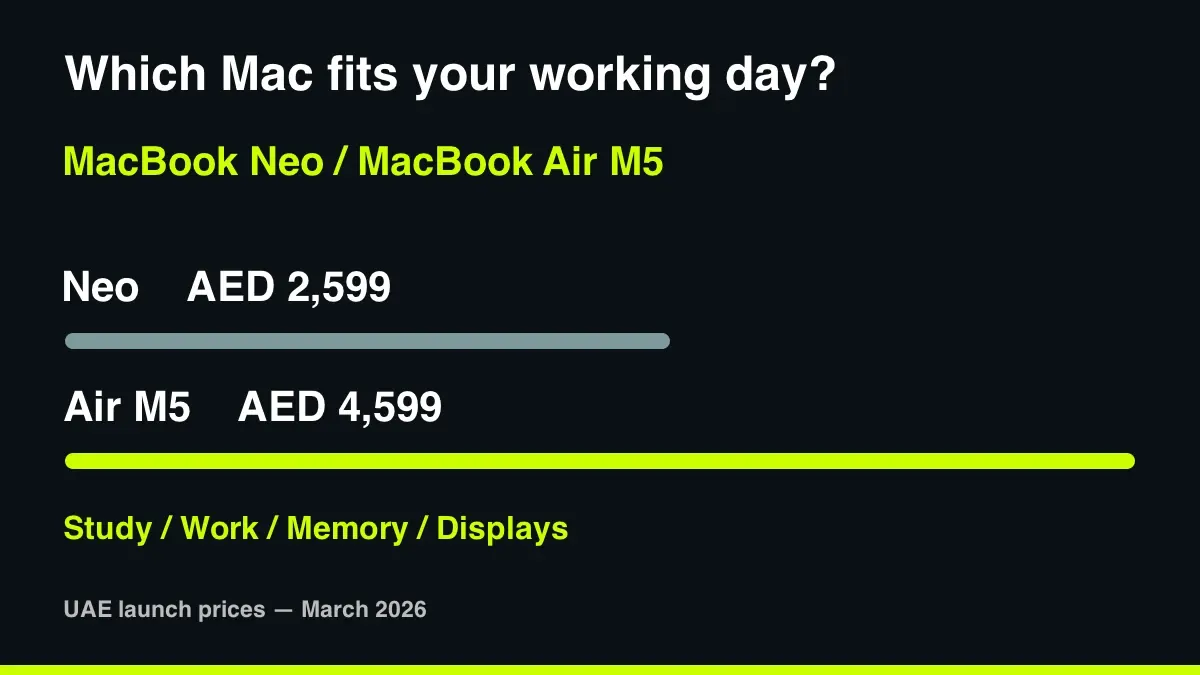
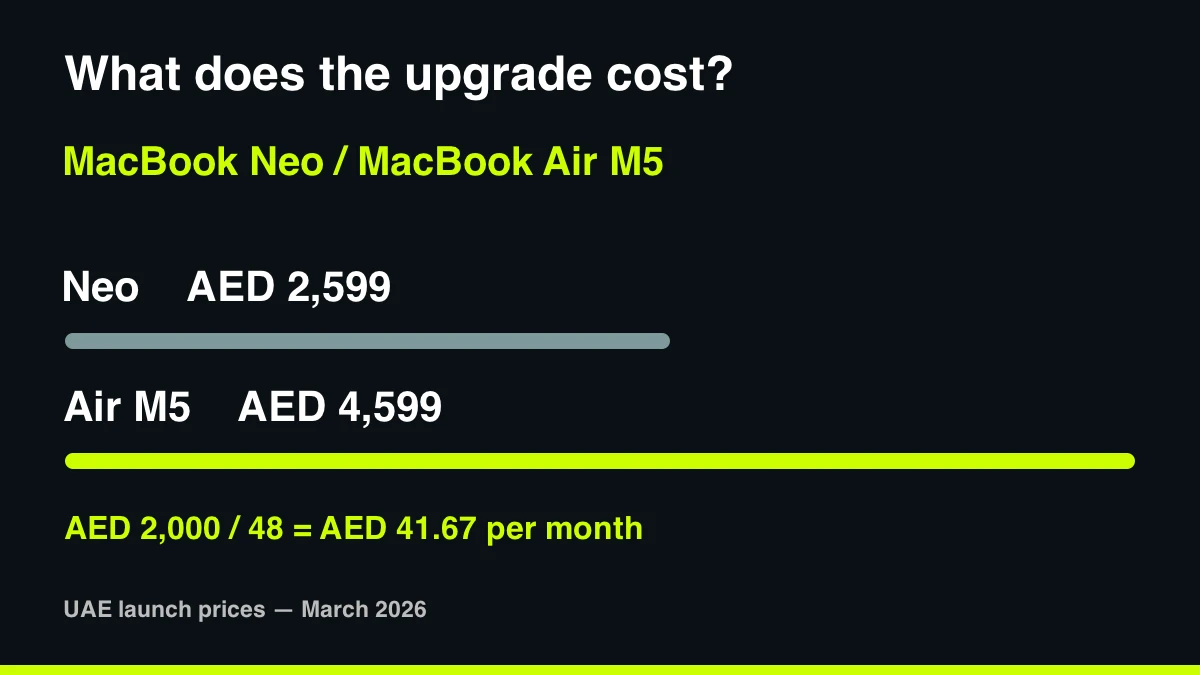
Apple announced UAE starting prices of AED 2,599 for Neo and AED 4,599 for the 13-inch Air. These are a common reference from the Neo launch announcement and Air launch announcement, not today's confirmed checkout prices. The AED 2,000 gap is about 77% of Neo's base price, with different memory and storage included.
| Calculation | Neo | Air M5 | Difference |
|---|---|---|---|
| Base launch price | AED 2,599 | AED 4,599 | AED 2,000 |
| Per year over four years | AED 649.75 | AED 1,149.75 | AED 500 |
| Per month over 48 months | AED 54.15 | AED 95.81 | AED 41.67 |
This spreads the purchase price; it is not a finance or instalment offer. Accessories, subscriptions, repairs and resale value are excluded. Four years is an analytical assumption, not a guarantee of lifespan or software support. Independently rounded figures can produce a small subtraction discrepancy.
A practical break-even question
Suppose you value a productive working hour at AED 50. Covering an extra AED 500 per year requires 10 additional productive hours annually: about 50 minutes per month. At AED 100 per hour, the threshold falls to 25 minutes monthly. This is an illustrative decision threshold. We have not established that Air saves this time, and saved time does not automatically become income.
| Assumed ownership | Extra annual cost | Productive time needed annually at AED 50/hour |
|---|---|---|
| 3 years | AED 666.67 | About 13 hours 20 minutes |
| 4 years | AED 500 | 10 hours |
| 5 years | AED 400 | 8 hours |
Reuse this formula with real offers: (actual Air price − actual Neo price) ÷ years of use ÷ value of a productive hour. Students who do not value time in income terms can still use the price difference to compare other priorities, such as a comfortable monitor or dependable backups.
Which laptop suits your situation?
| Your situation | Start by considering | What could change the choice? |
|---|---|---|
| Student using research, presentations and a learning platform | Neo | A course requiring demanding or specialised software |
| Small shop owner using web services | Neo for lightweight tasks | All-day overlap between calls, design and multiple files favours Air |
| Freelancer juggling several apps | Air M5 | Simple sequential tasks may make the savings more valuable |
| Desk with two external displays | Air M5 | Verify monitor, hub and resolution compatibility |
| Video editing or large projects | Evaluate Air and its memory options | Test a representative project; you may need a higher class of machine |
| Essential software with unverified compatibility | Delay choosing either | Confirm the macOS version, plug-ins and connected equipment first |
Five checks before you pay
- Name the app and version. Check essential plug-ins, templates, printers and signing devices as well as the main program.
- Match the exact configuration. Record processor, memory, storage, Touch ID, keyboard language and model number.
- Compare complete baskets. Include necessary accessories and subscriptions; do not buy duplicates of items you already own.
- Read warranty and return terms. Check seller, region, condition and invoice requirements rather than assuming all offers are equivalent.
- Try your hardest task. If possible, test a file resembling your work. Opening an empty page does not simulate your working day.
For current offers, open Apple UAE: MacBook Neo and Apple UAE: MacBook Air, then record both final configurations and dated basket prices. Outside the UAE, compare local prices directly rather than treating a currency conversion as a local retail offer.
Frequently asked questions
Is MacBook Neo unsuitable for studying?
You cannot decide that from the processor name alone. Check your course requirements, applications and file sizes. Our Neo recommendation covers lightweight document-based study, not every university subject.
Does the 512GB Neo have more memory?
No. Apple lists 8GB of unified memory for both configurations. More storage is not more RAM, and Touch ID availability differs as shown above.
Is Air better value for everyone?
No. If you will not use the extra memory allowance, connectivity or display support, keeping the money may be more valuable. The best choice is the least expensive configuration that meets your real needs.
Did you test both laptops in person?
No. Photos are official Apple images; specifications and launch prices link to primary sources. Recommendations and cost calculations are editorial analysis. We make no unmeasured benchmark, temperature or noise claims.
Choose Neo to save money when it fits your workload. Pay for Air when you can name the benefit you need, rather than relying only on the possibility that you might need it someday.
Prices, fees and features change often. We check our facts at the time of writing, but always confirm the latest details with the provider. This article is for information only and is not financial advice.