Apple Pay vs Google Pay vs Local Wallets in Saudi Arabia and the UAE
Tap-to-pay is now the default across the Gulf. Which phone wallet works where, how safe they are, and why you still need a local banking app.
By the Finance Arabia editorial team3 min read
Tapping your phone has become the default way to pay across the Gulf — at the supermarket, the petrol station and the coffee shop. But which wallet should you use: Apple Pay, Google Pay, Samsung Wallet, or a local option? Here's how they compare in Saudi Arabia and the UAE, how safe they are, and how to get the most out of them.
The main options at a glance
| Wallet | Works on | Saudi Arabia | UAE | Send money to friends? |
|---|---|---|---|---|
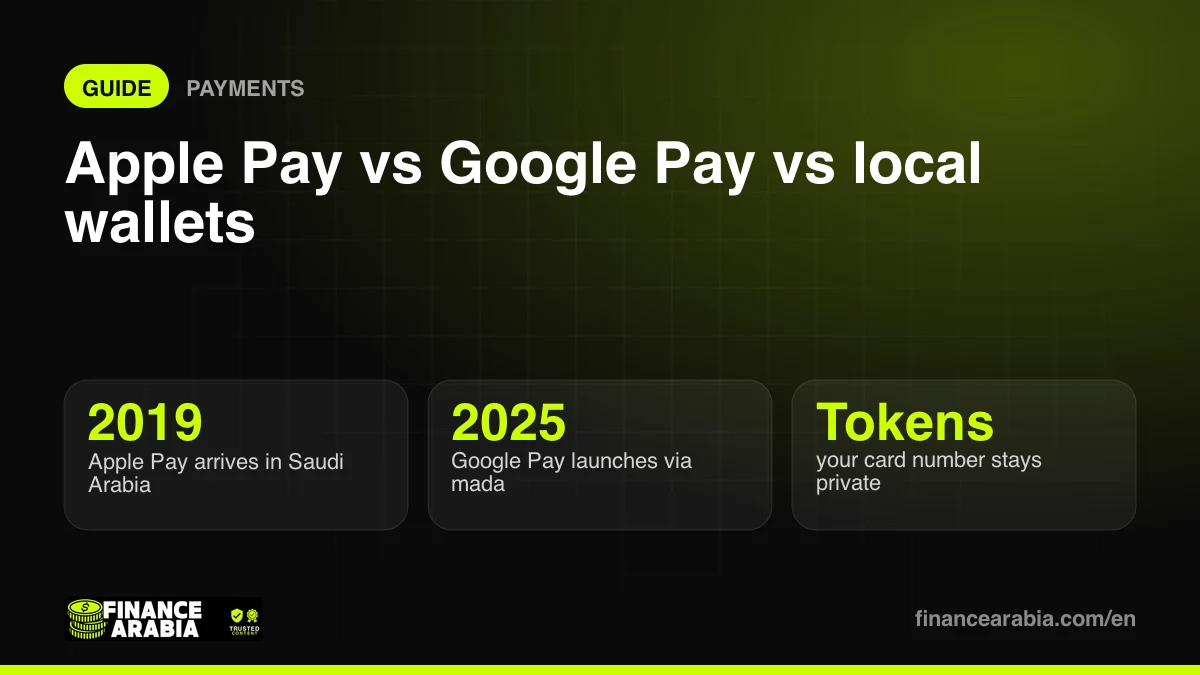
| Apple Pay | iPhone, Apple Watch, iPad, Mac | Yes (since 2019), including mada cards | Yes | No — pays merchants only |
| Google Pay / Google Wallet | Android phones with NFC, Wear OS | Yes (launched 2025 via mada) | Yes | No — pays merchants only |
| Samsung Wallet | Samsung Galaxy phones and watches | Supported by many banks | Supported by many banks | No |
| Bank and local wallet apps (e.g. stc Bank in KSA) | iPhone and Android | Yes | Varies by app | Yes — transfers by phone number or IBAN |
Check your bank's website or app for which wallets it supports — coverage is now wide but not universal, especially for some credit cards.
Apple Pay
Best for: iPhone users who want the simplest, most private experience.
- Adding a card takes seconds; paying is a double-click and Face ID.
- Your real card number is never shared with the merchant — a device-specific "token" is used instead.
- Apple says it doesn't track what you buy or where.
- Works in shops, in apps and on websites in Safari.
- No person-to-person transfers in the Gulf.
Google Pay
Best for: Android users.
- Works on most Android phones with NFC.
- Uses the same tokenisation approach, and requires a screen lock.
- Pays in shops, in apps and online through Chrome.
- Arrived in Saudi Arabia in 2025 through the national mada network, which means mada debit cards are supported.
Samsung Wallet
Best for: Galaxy owners — it's built into the phone and also stores loyalty cards and digital keys. Card support varies by bank, so check before you rely on it.
Local wallets and digital banks
Apps such as stc Bank in Saudi Arabia do things the global wallets don't: instant transfers to friends by phone number, QR payments, and international remittances. Read our stc Bank review for a closer look.
Are phone wallets safe?
Generally, they're safer than using a physical card:
- Your card number isn't stored on the phone or shared with shops.
- Every payment needs your face, fingerprint or PIN.
- If you lose your phone, you can lock or erase it remotely, and your physical card keeps working.
The real risks are elsewhere: never share one-time passwords (OTPs) with anyone, and be wary of messages asking you to "verify" your wallet or card.
Tips to get more from your wallet
- Add your best rewards or cashback card as the default — the wallet just passes the payment through, so you keep your card's benefits.
- Watch foreign-currency fees when paying abroad; your bank's charges still apply.
- Use spending notifications to track every tap — it's easy to lose track of small contactless purchases.
- Set a monthly budget with our budget planner.
Which should you use?
- iPhone? Apple Pay for paying, plus your bank app or a digital bank for transfers.
- Android? Google Pay (or Samsung Wallet on Galaxy) for paying, plus a bank app for transfers.
- Send money to friends often? A local digital bank or wallet app does what Apple and Google Pay can't.
The bottom line
Phone wallets are fast, widely accepted and safer than plastic. Use the one built into your phone for everyday payments, keep a local banking app for transfers, and make sure your best rewards card is the default.
Availability and supported banks change regularly — check with your bank for the latest. Information as of October 2026.
Prices, fees and features change often. We check our facts at the time of writing, but always confirm the latest details with the provider. This article is for information only and is not financial advice.