5 Saving Strategies That Actually Work on Any Budget
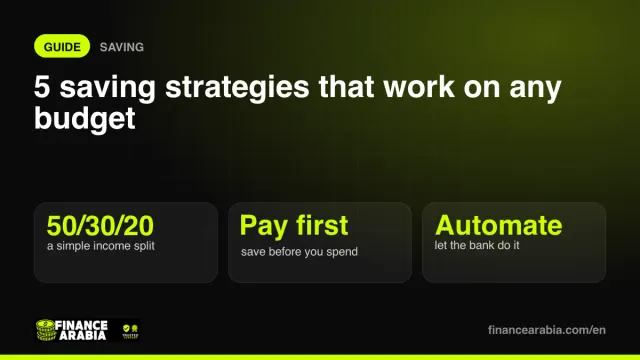
Saving isn't about willpower, it's about systems. Five simple strategies that make saving automatic, with examples in Gulf currencies.
Read🇶🇦 QAR
Official service steps and links, a first-month plan, living budgets and financial tools for Qatar.
Qatar · Get things done
This selection organises the guide; it does not determine eligibility. GCC nationals may have a separate route. Check nationality and residence/employment category on the authority’s page. Complete applications and submit documents with the linked provider.
Your checklist
A planning sequence, not a legal deadline or a promise of completion within a month. Start parallel requirements early. Check a task when completed or confirmed inapplicable. Only checklist progress is saved in this browser, separately for each country.
Open a service for steps, documents and links to continue.
7 services for this selection — sources reviewed:
Residence-visa arrivals and the employer/sponsor responsible for the application.
Passport, visa and sponsor, employment or relationship evidence for the category.
Employment and family residence have different conditions and applicants. Resident card issuance depends on completing residence requirements.
Citizens and residents use different issuance services.
ID/passport, category details and photo or biometrics as required by the service.
An expatriate without completed residence should not assume a standalone ID application replaces it.
Citizens and residents meeting Traffic requirements.
QID and the documents and medical checks required for the selected training route.
Visitor or international driving arrangements are different from resident licence eligibility.
Citizens and residents; newcomers without QID may have a conditional or restricted route.
QNB example: original passport and QID; confirm your own category’s requirements with the bank.
QNB is a procedural example, not an approval guarantee. Pre-arrival opening does not imply immediate full functionality.
Local and foreign investors subject to activity eligibility.
Partner, name, activity, legal-form, premises and approval information for the selected route.
Registration does not replace premises licensing or sector approvals; check location eligibility before committing to a lease.
Citizens and residents under PHCC categories.
QID, photo and area-of-residence evidence; children and other categories have additional requirements.
The card provides access to subsidised services under the system; it does not make every treatment free.
Tenants or owners according to utility responsibility in the lease.
Identity, property, meter and lease details requested by KAHRAMAA.
District cooling may be billed separately from KAHRAMAA; check each account before signing the lease.
Links go to government authorities or providers themselves. Some begin with a guide leading to an application or require sign-in. Final fees, appointments and attachments are set by the provider for your category and may vary by city or emirate.
Plan before you move
Enter housing quotes and your own estimates; this is your budget, not a survey of city prices. Create a plan for each city to compare here. Figures last only while this page is open and are not saved in browser storage or sent to our server.
For annual tuition or insurance, for example; divided by 12 for planning. Do not enter the same cost as both monthly and annual.
Separate living costs from remittances and compare the amount the recipient actually receives.
See where your salary goes with the 50/30/20 rule
How much to save each month to hit your target on time
AED, SAR & QAR to INR, PKR, PHP, EGP and 25+ currencies
Grow a lump sum and monthly savings with compounding
Choose QAR in calculators with a currency selector. Check the selected jurisdiction in tools that use local rules.
General financial reading, not a guide to this country’s rules.
Saving isn't about willpower, it's about systems. Five simple strategies that make saving automatic, with examples in Gulf currencies.
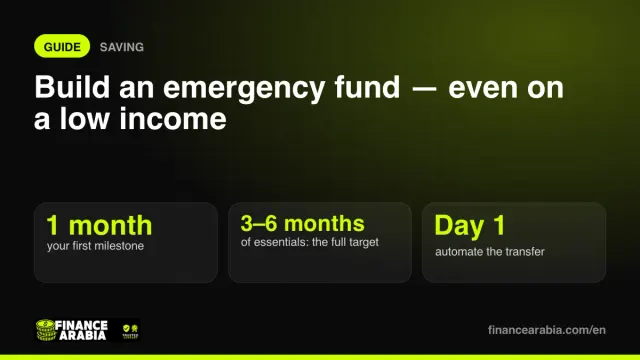
ReadThree to six months of expenses sounds impossible on a tight budget. Here's how to get there step by step — starting with a first milestone you can actually reach.
ReadID, residence, driving, banking and business steps, first-month plans and living budgets for six Gulf countries.
Practical journeys to buy a home, reduce debt, build a buffer and start investing.
Compare account and debit-card terms, transfer quotes and card costs.